
The Solo guide
A private place to check in with how you are doing.
Using MoodSpace with your family? See the family guide →
A private place to check in with how you are doing.
Using MoodSpace with your family? See the family guide →
MoodSpace Solo is MoodSpace for you, on your own: a quiet minute each day to notice how you feel, and a few gentle tools for the days that need them.
Everything is private by default. If you want company, you can invite friends you trust and choose exactly what each of them sees.
Features marked Premium are part of MoodSpace Premium. New accounts get a free 7-day Premium trial with everything unlocked, no card needed.
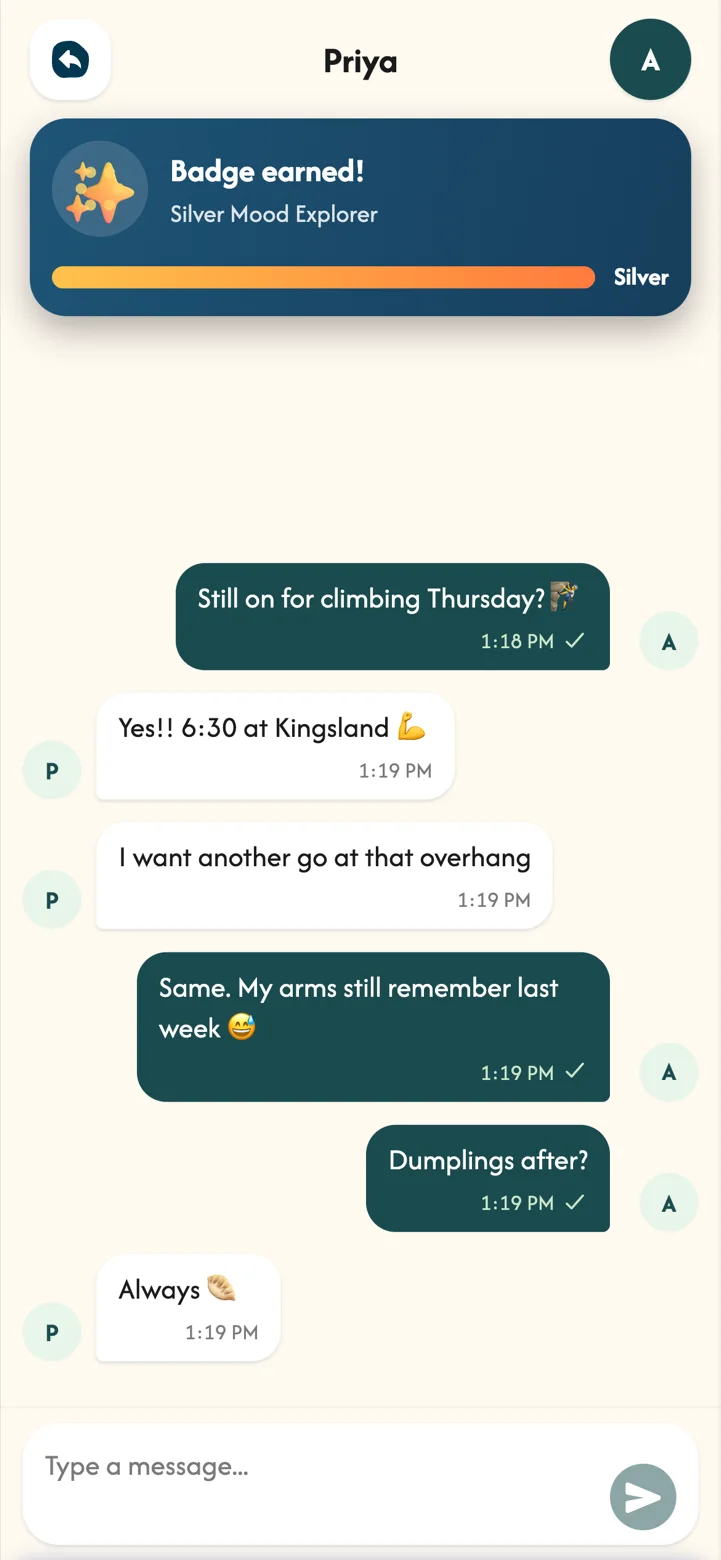
Follow Alex through an ordinary week: morning runs, a big design review, climbing with Priya on Thursdays and the odd slow Sunday.
 Alex31, with Mochi
 PriyaAlex's friend
 Part 01
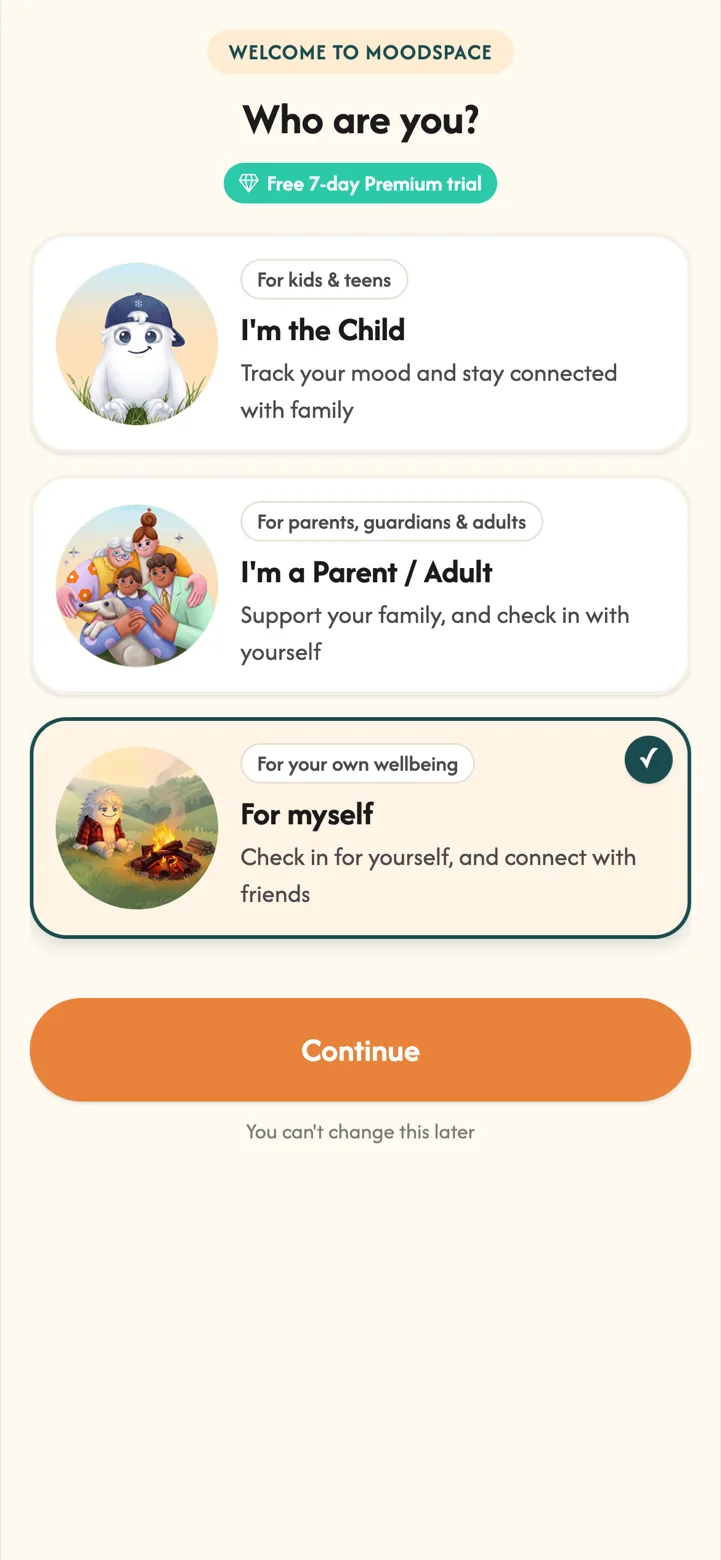
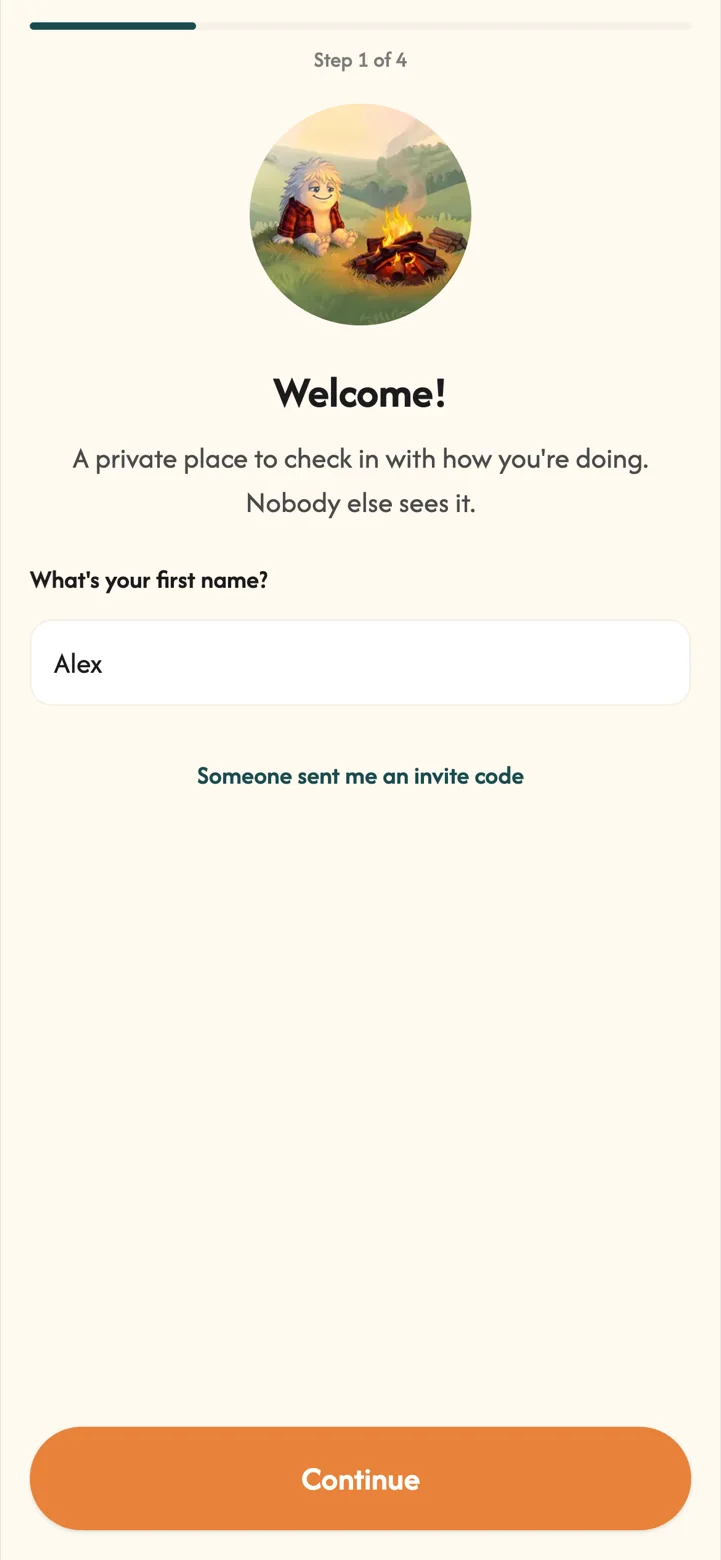
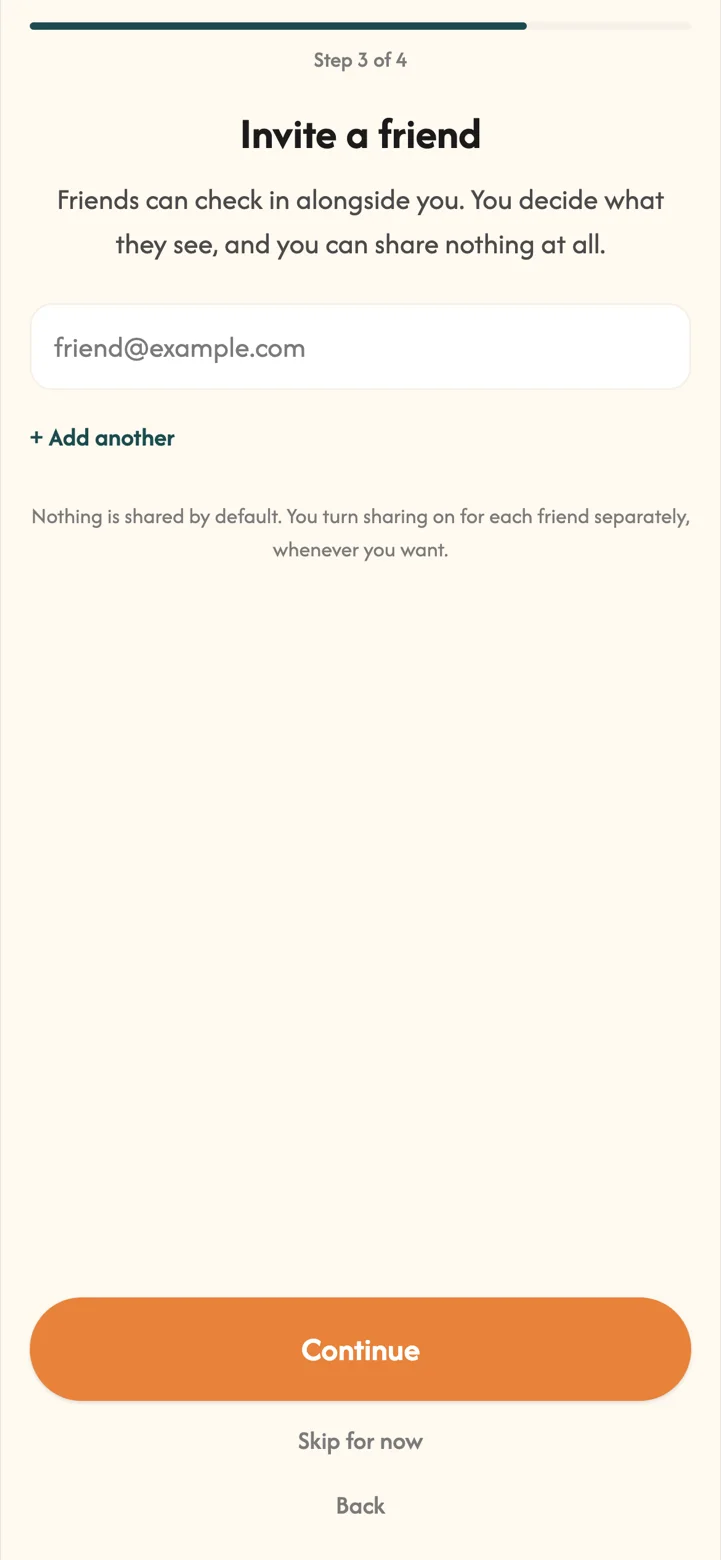
Setting up takes about a minute, and nothing is shared with anyone unless you choose to share it.
MoodSpace Solo starts from one simple idea: noticing how you feel is easier when it is a small daily habit, not a big task. Setting it up just for you keeps it light and private from day one.
 Part 02
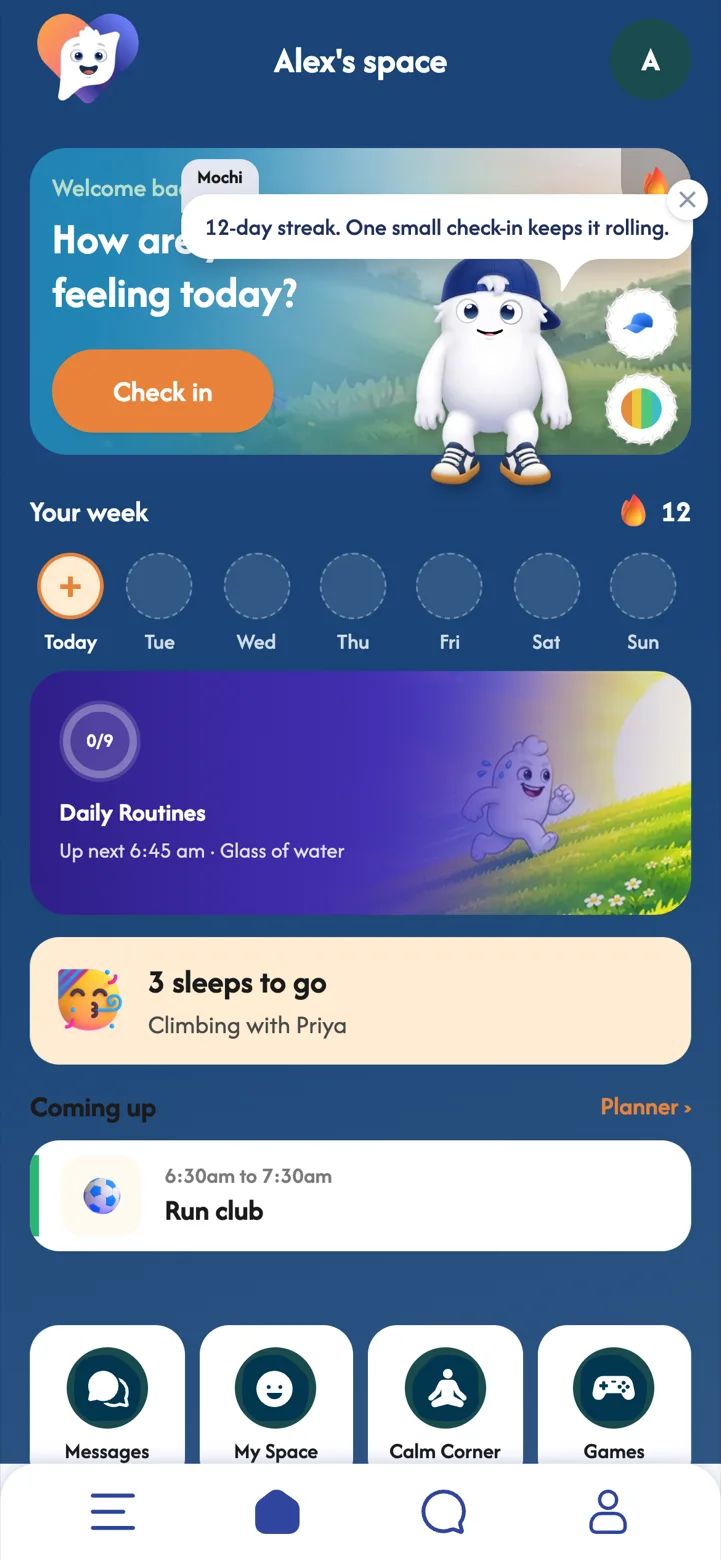
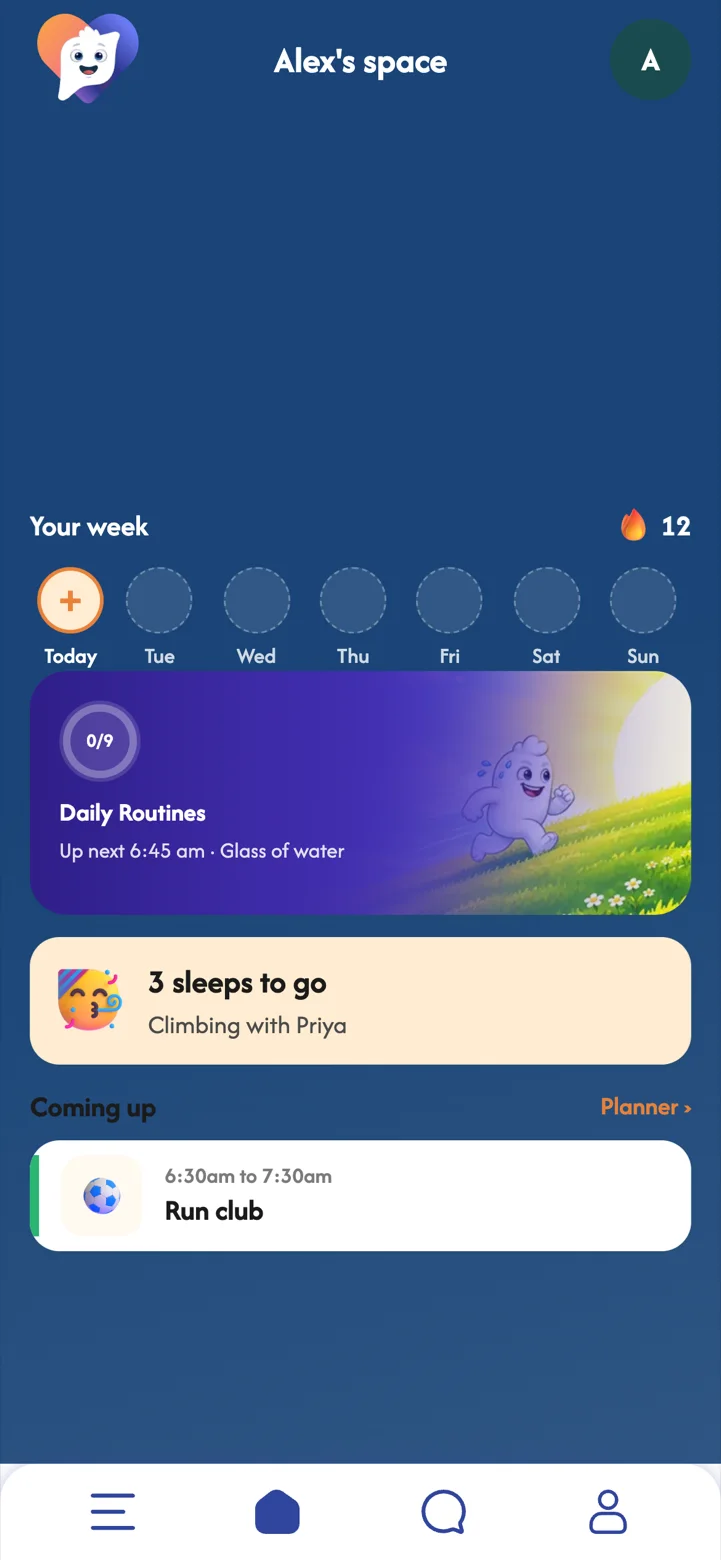
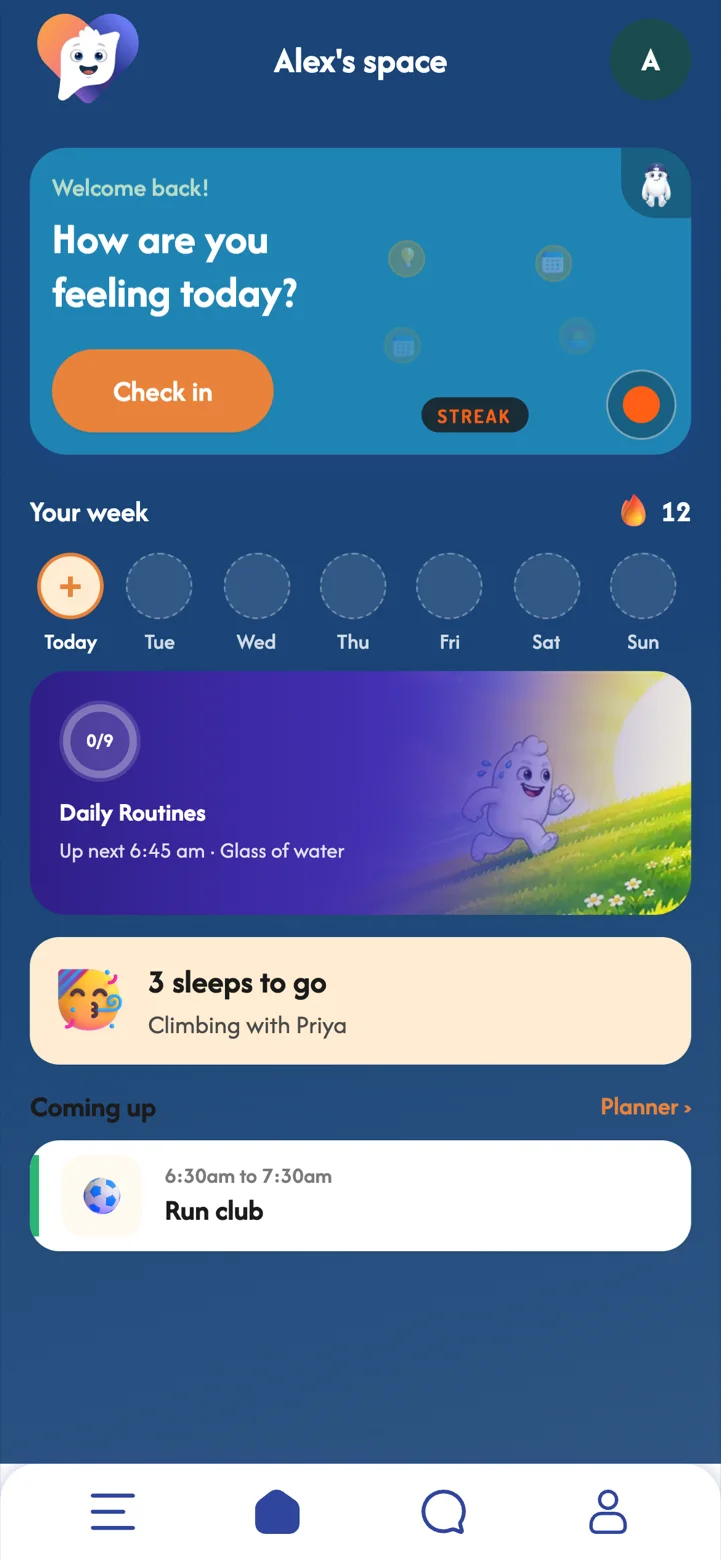
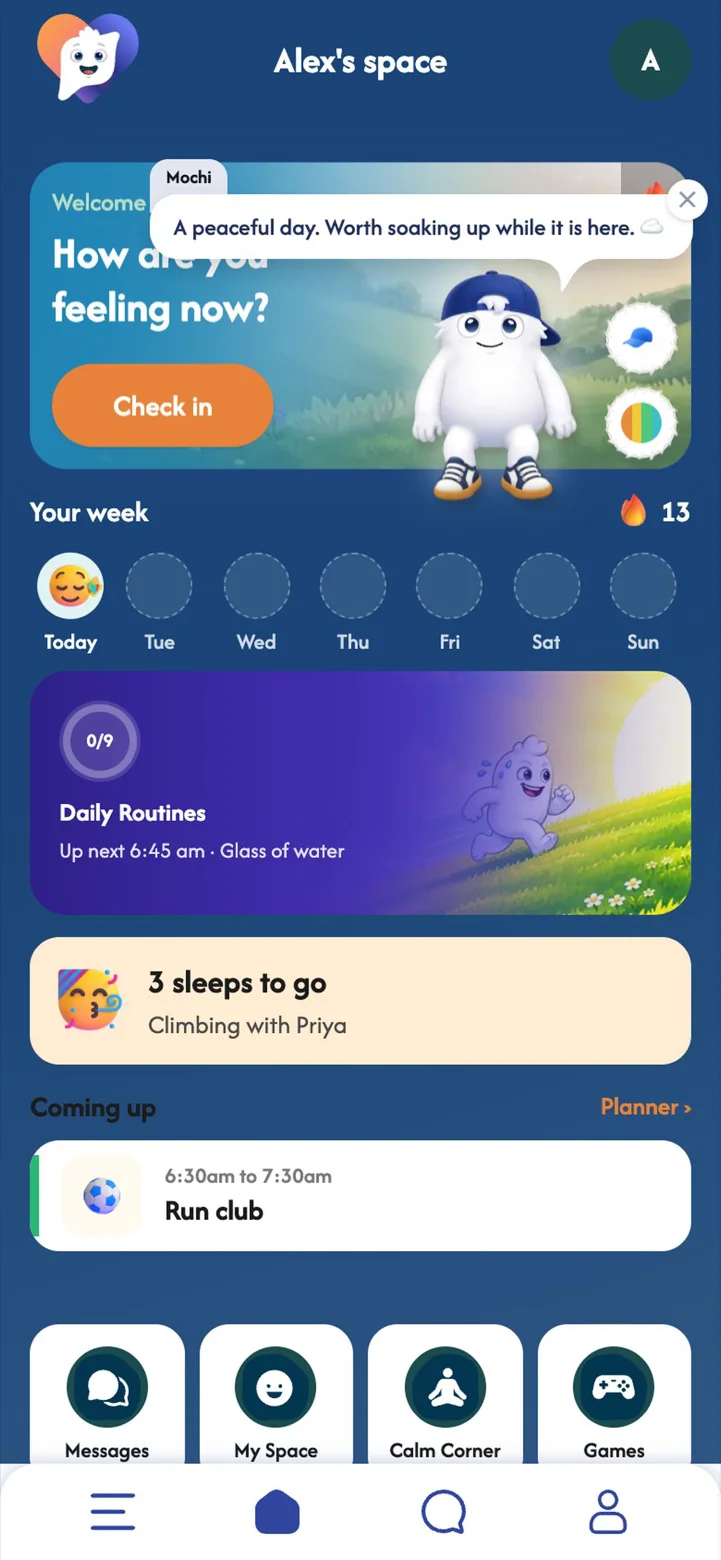
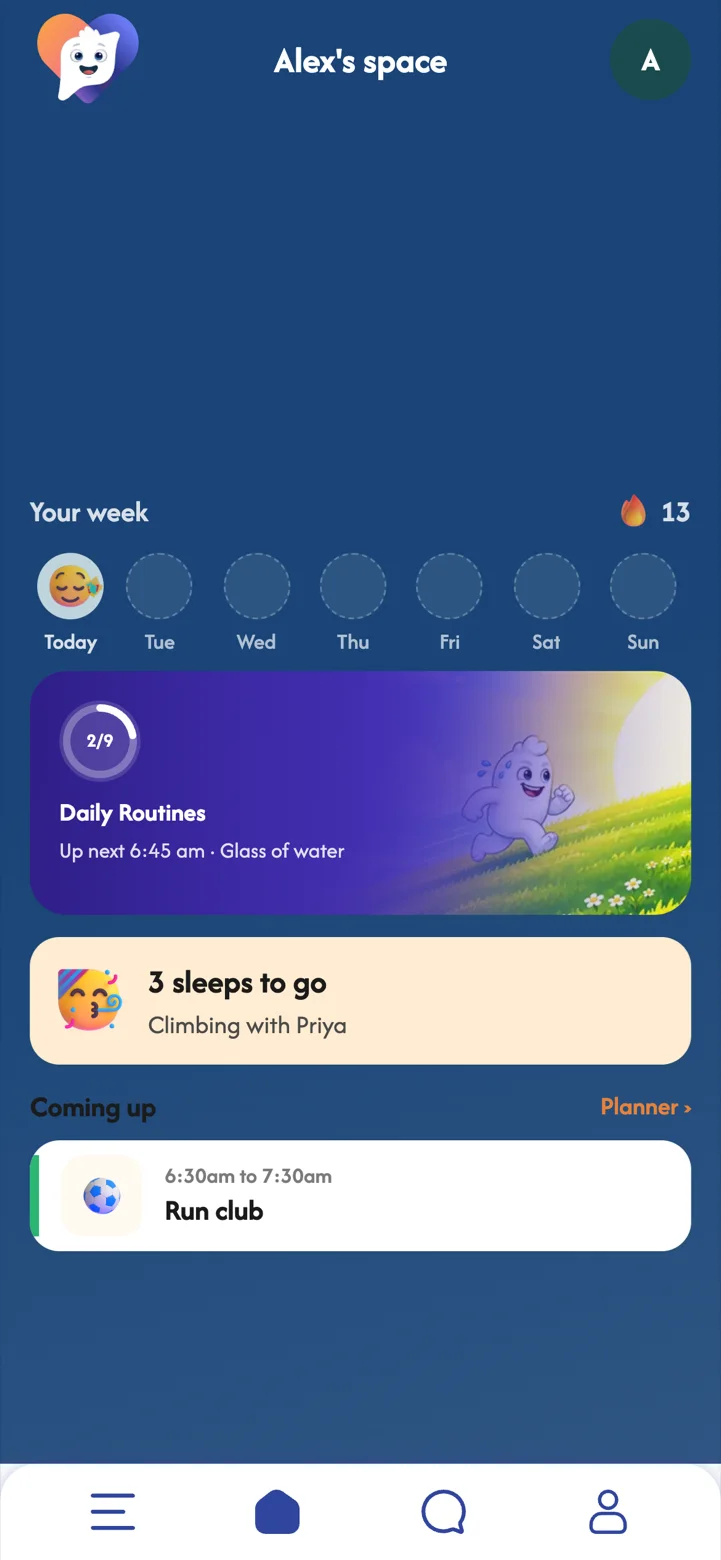
Your home screen shows your week at a glance: your check-ins, your routine, and what is coming up next.
The home screen is designed to be calm. One look tells you how your week is going and what is next, without a feed to scroll or anything asking for your attention.
 Part 03
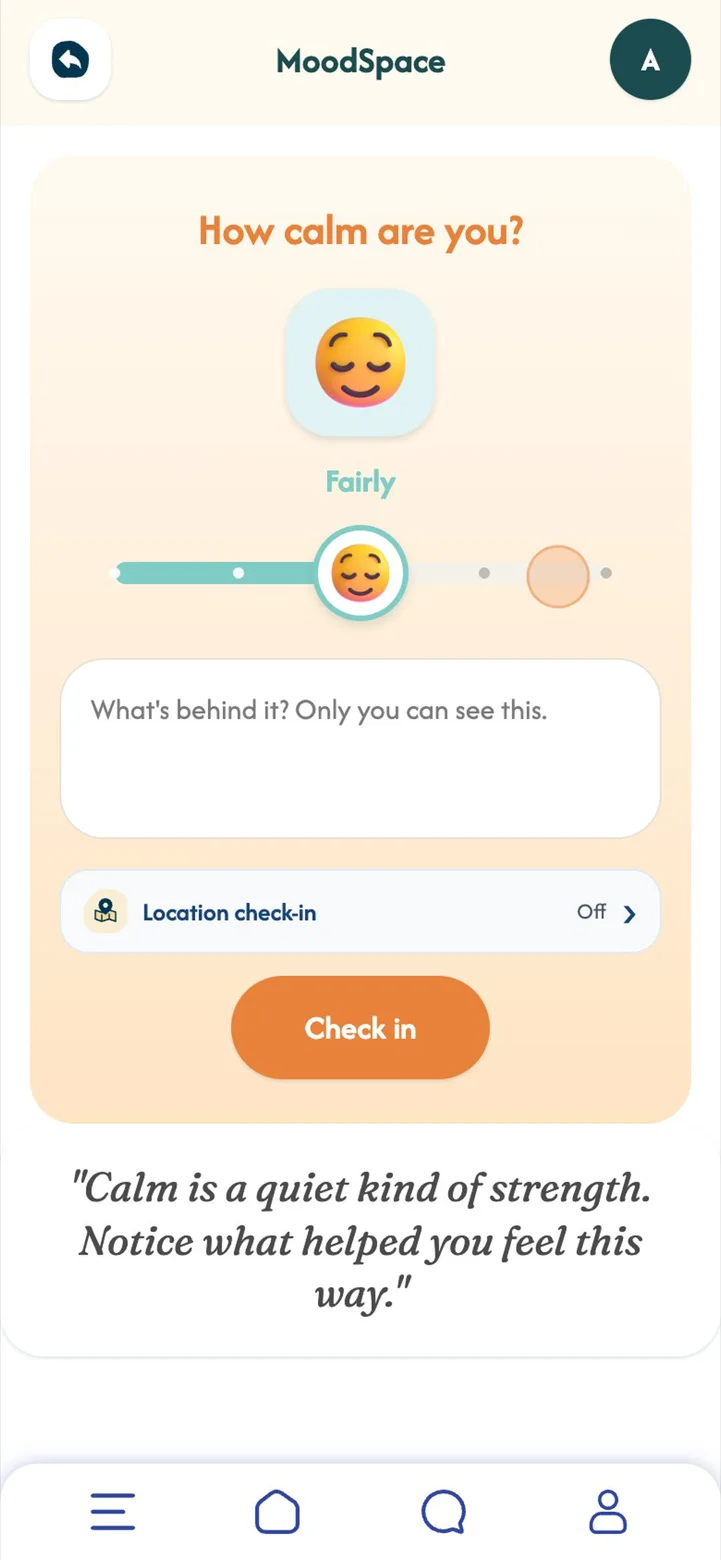
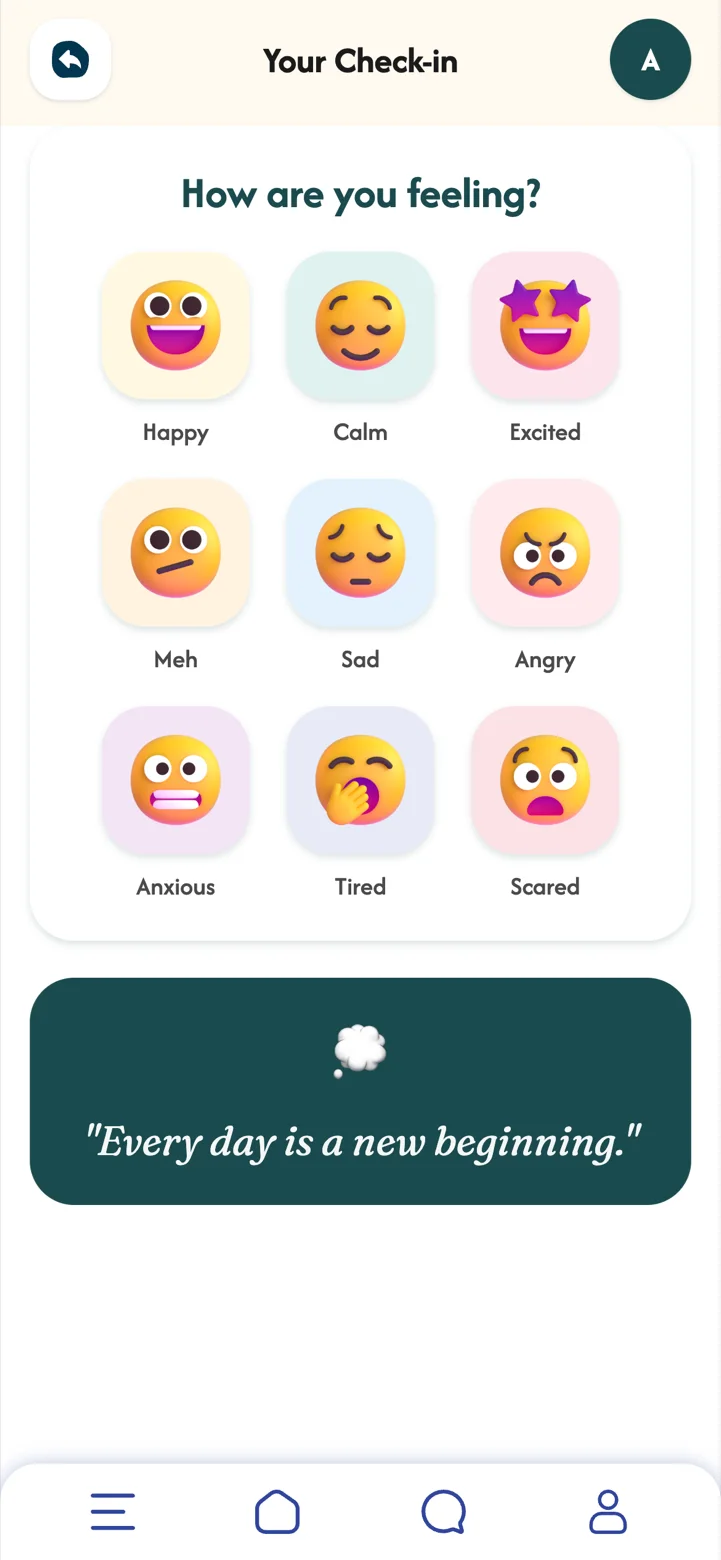
A few seconds, once or twice a day. Pick a feeling, show how strong it is, and add a note if you like.
Naming a feeling is one of the simplest ways to take some of the weight out of it. A quick, private check-in turns that into a habit, and there are no wrong answers.
 Part 04
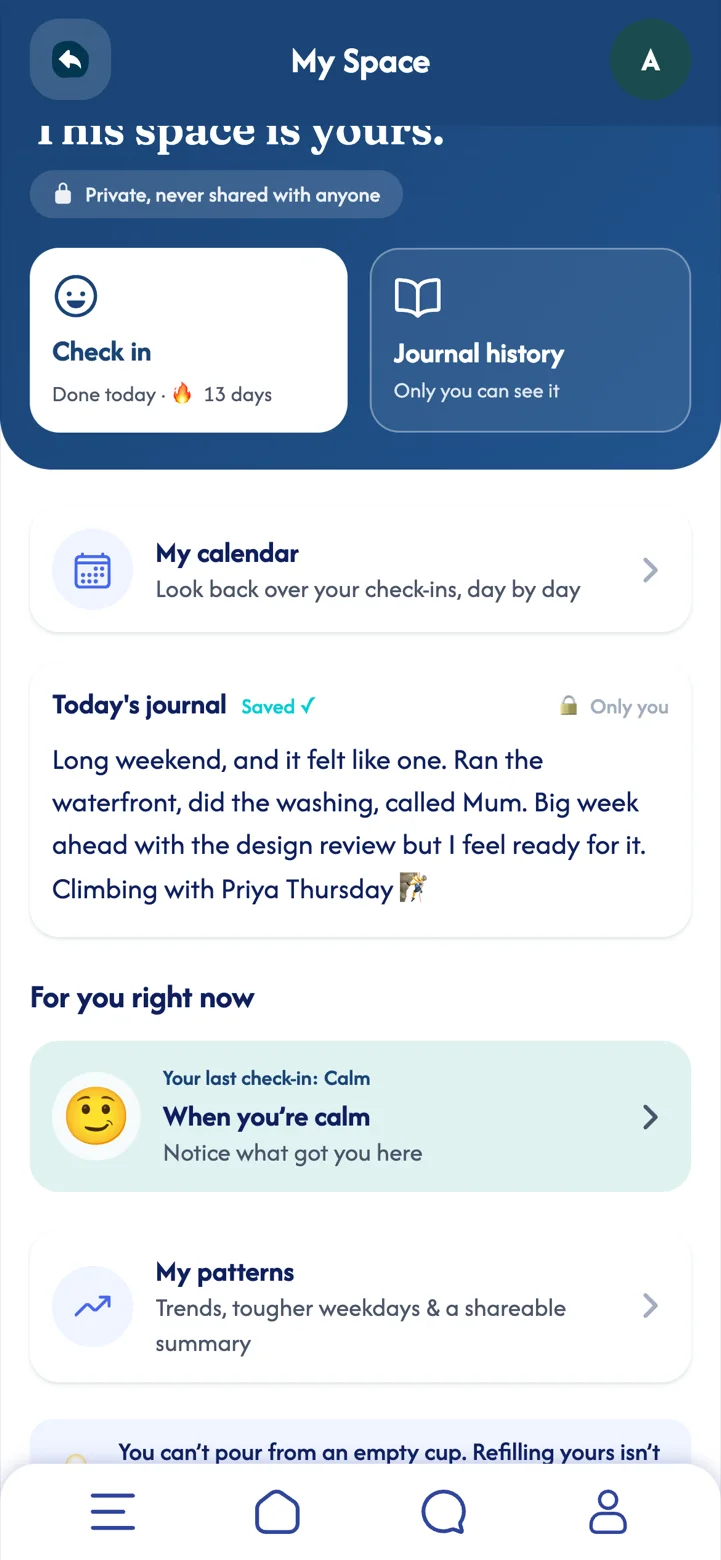
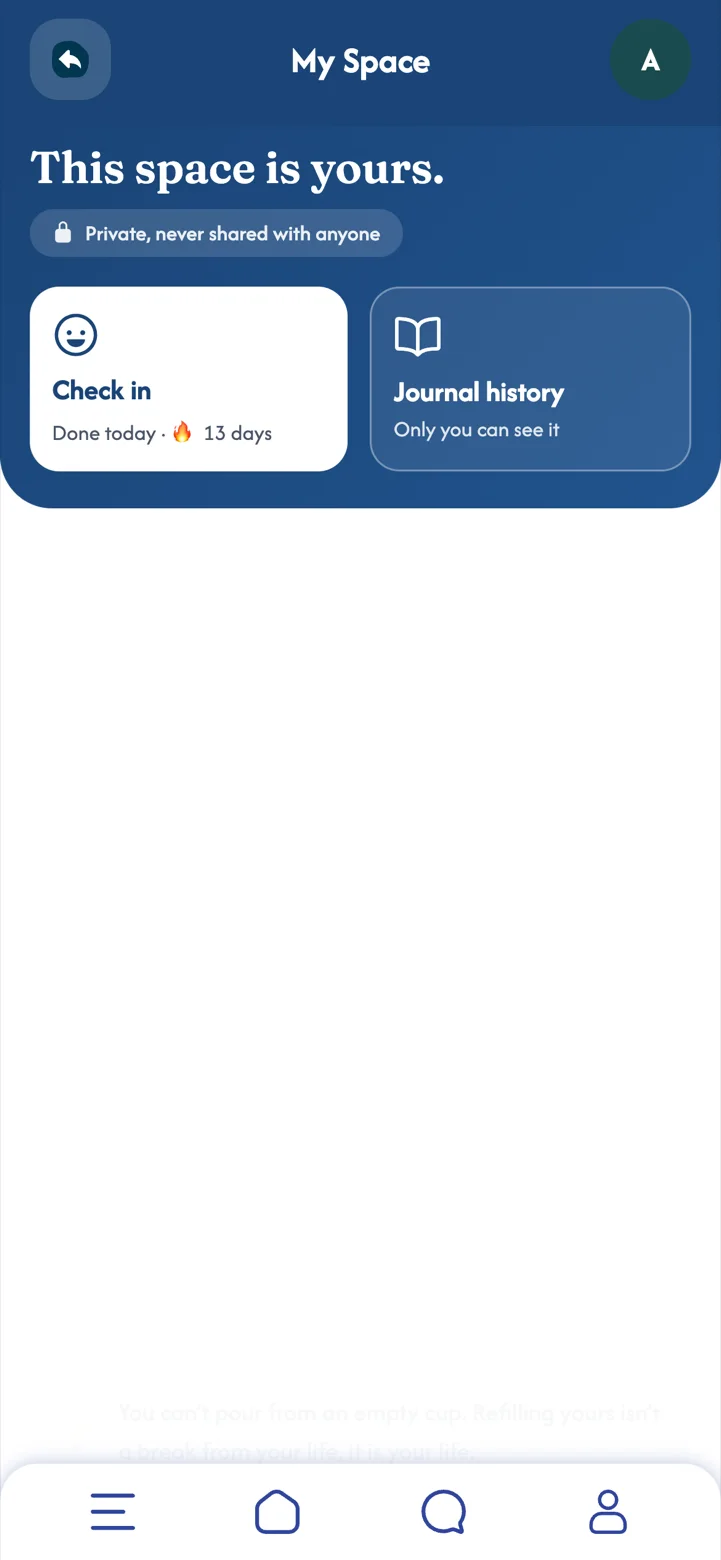
Your own private place to write, think and look back. It is never shared with anyone.
Writing things down, even a line or two, helps the day settle. Gentle prompts take away the blank-page feeling, and guides for different feelings are there when a day is heavier than usual.
 Part 05Premium
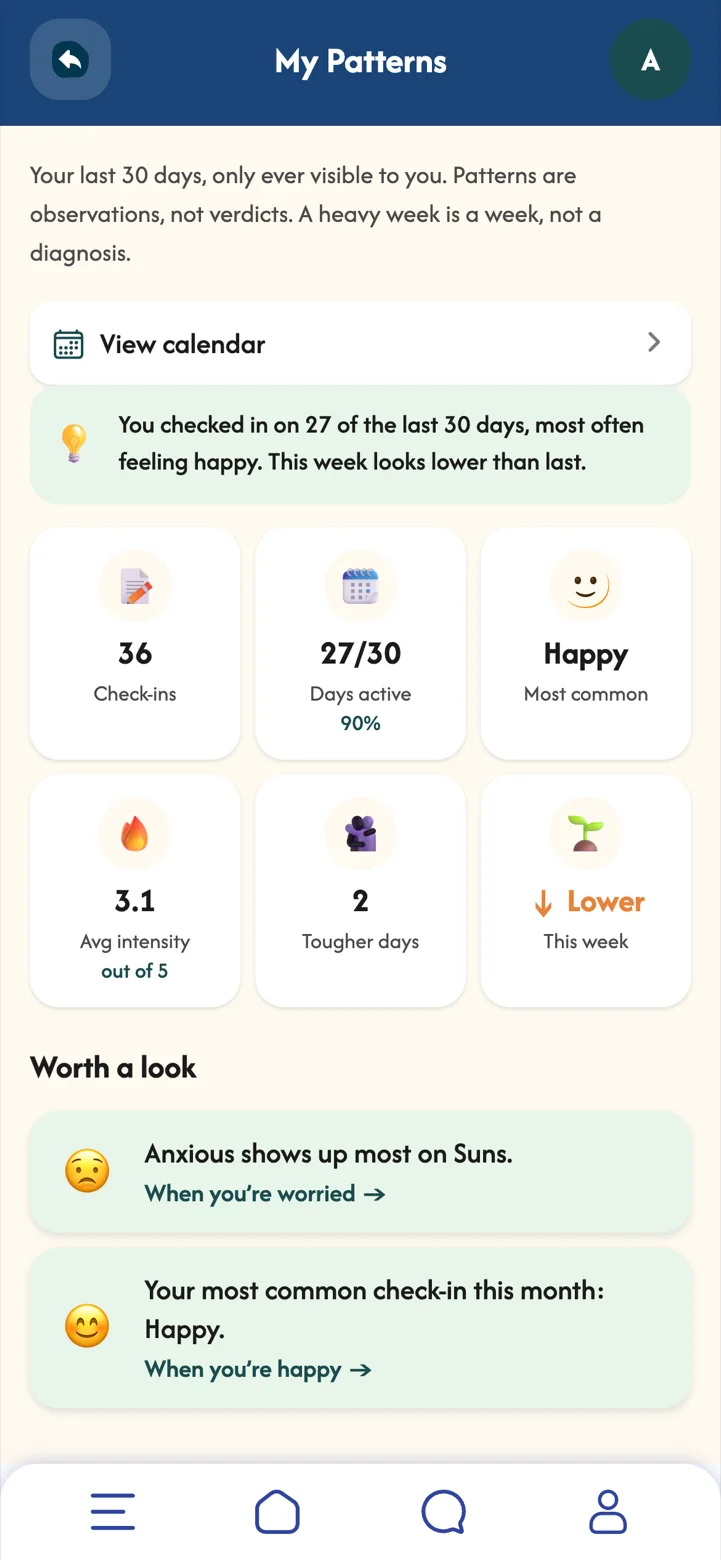
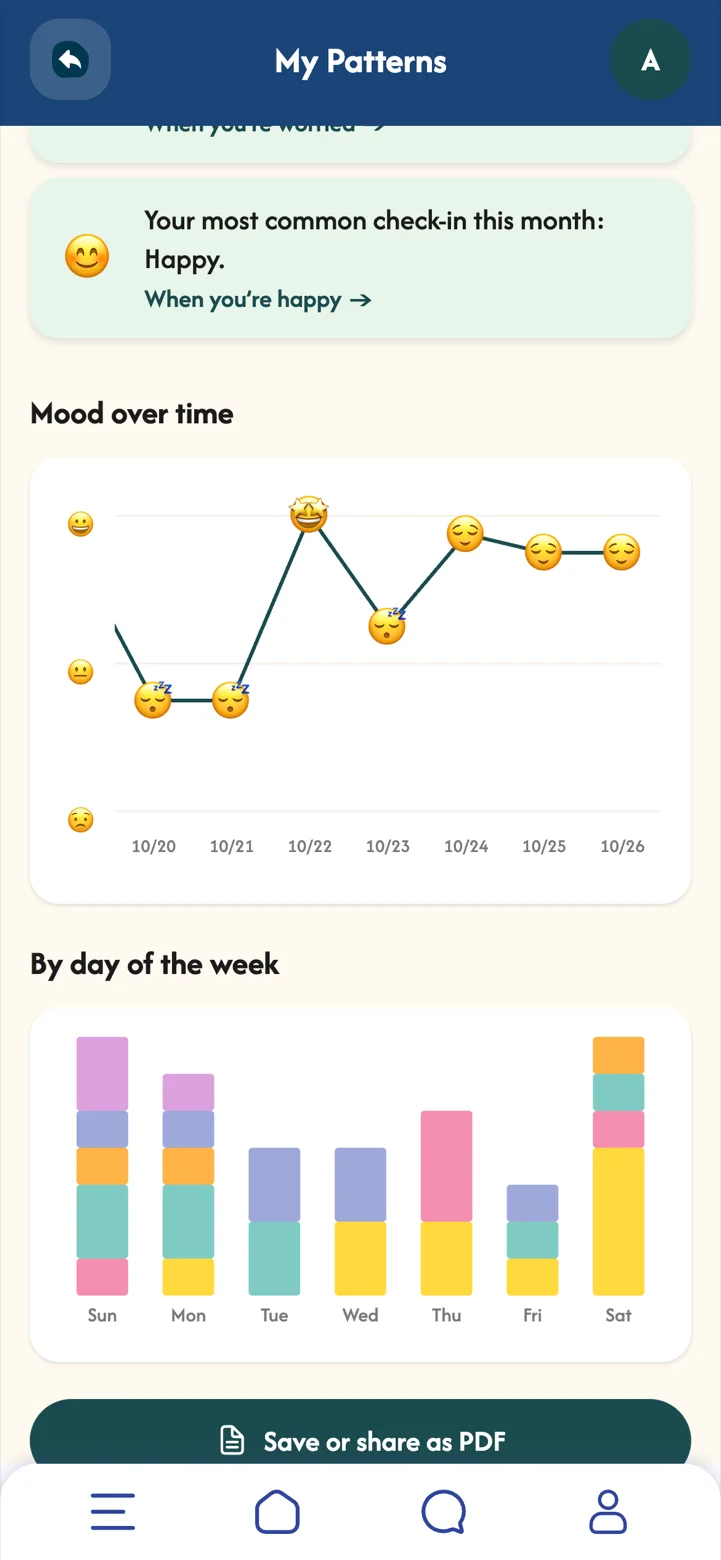
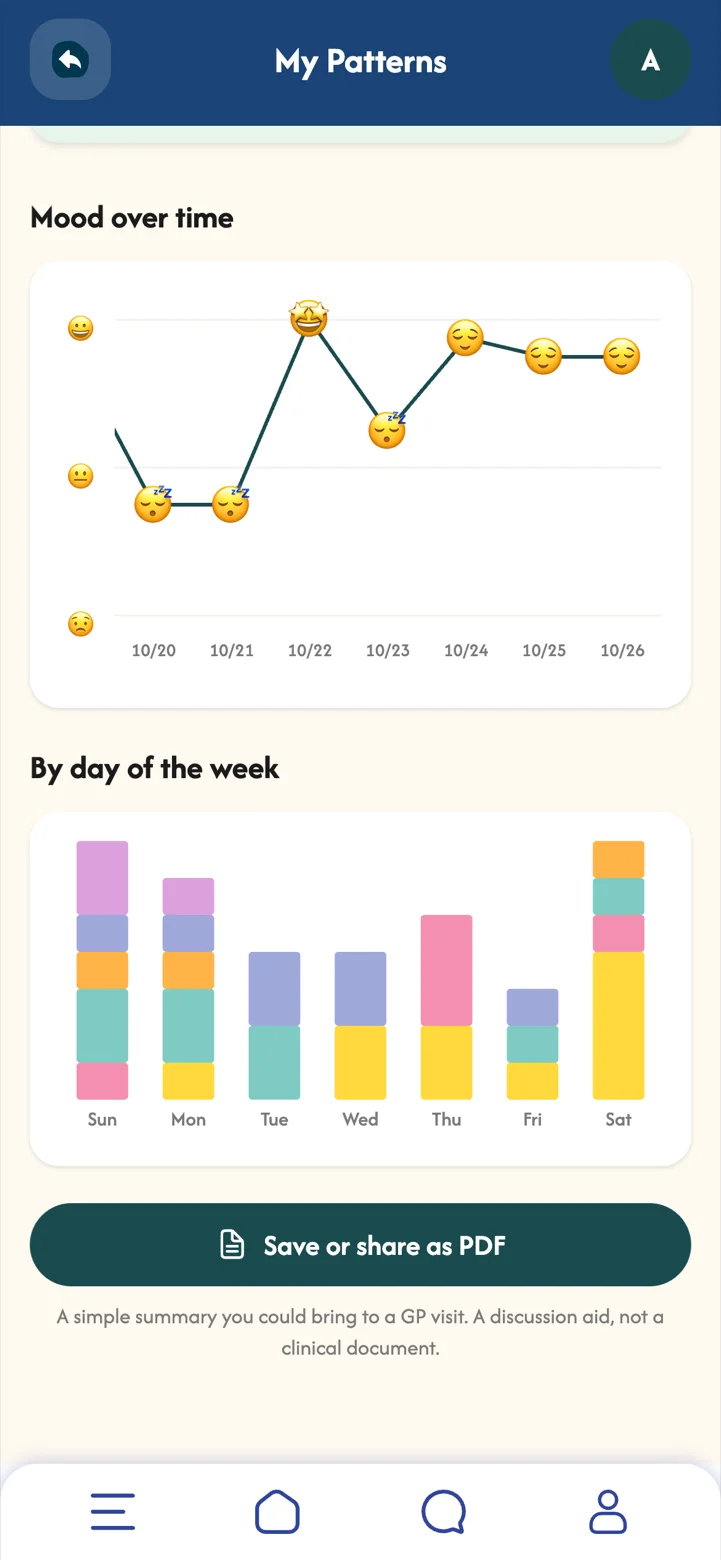
Your last 30 days, only ever visible to you: how often you check in, your mood mix, and the days of the week that tend to be harder.
Patterns are observations, not verdicts. A heavy week is a week. Seeing the shape of things over a month helps you notice what lifts you and plan a little kindness for the days that need it.
 Part 06
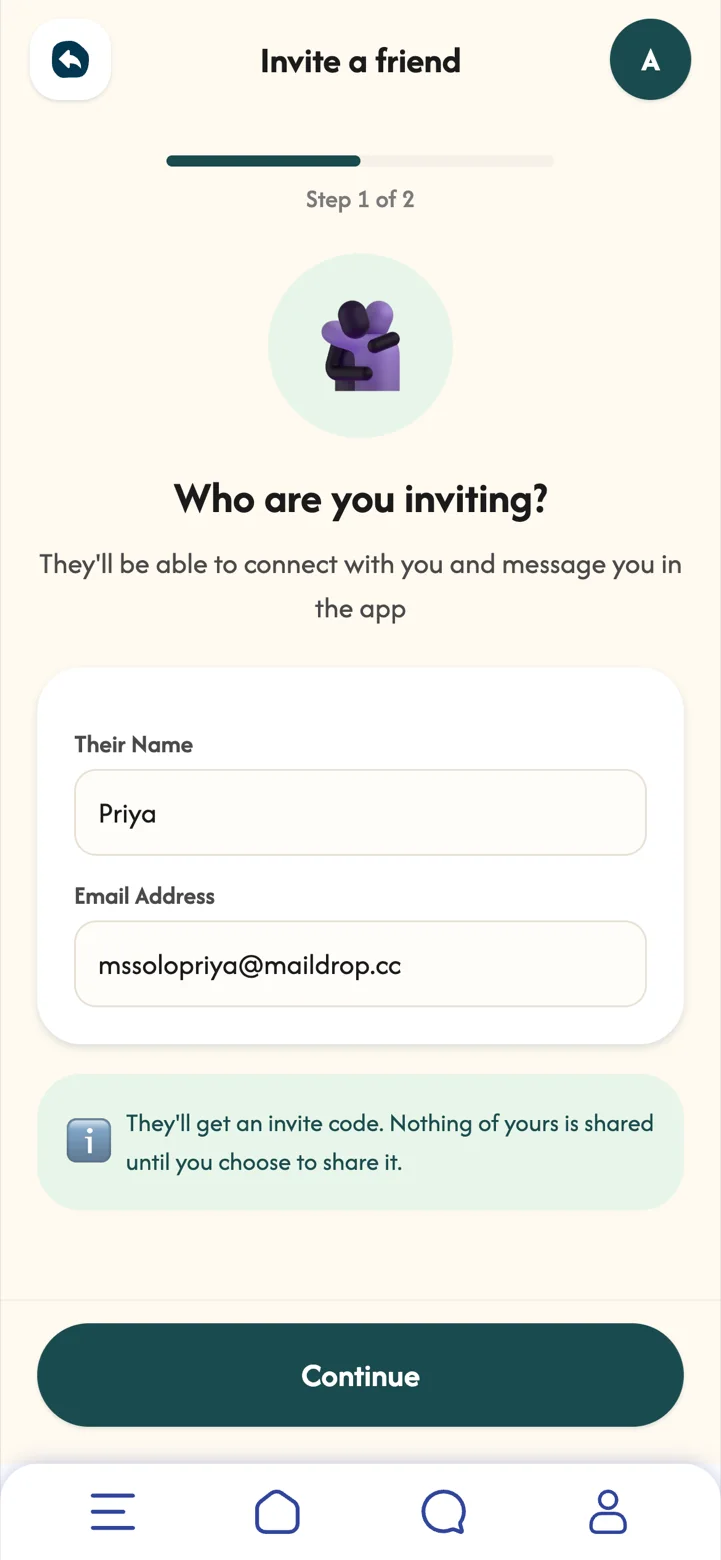
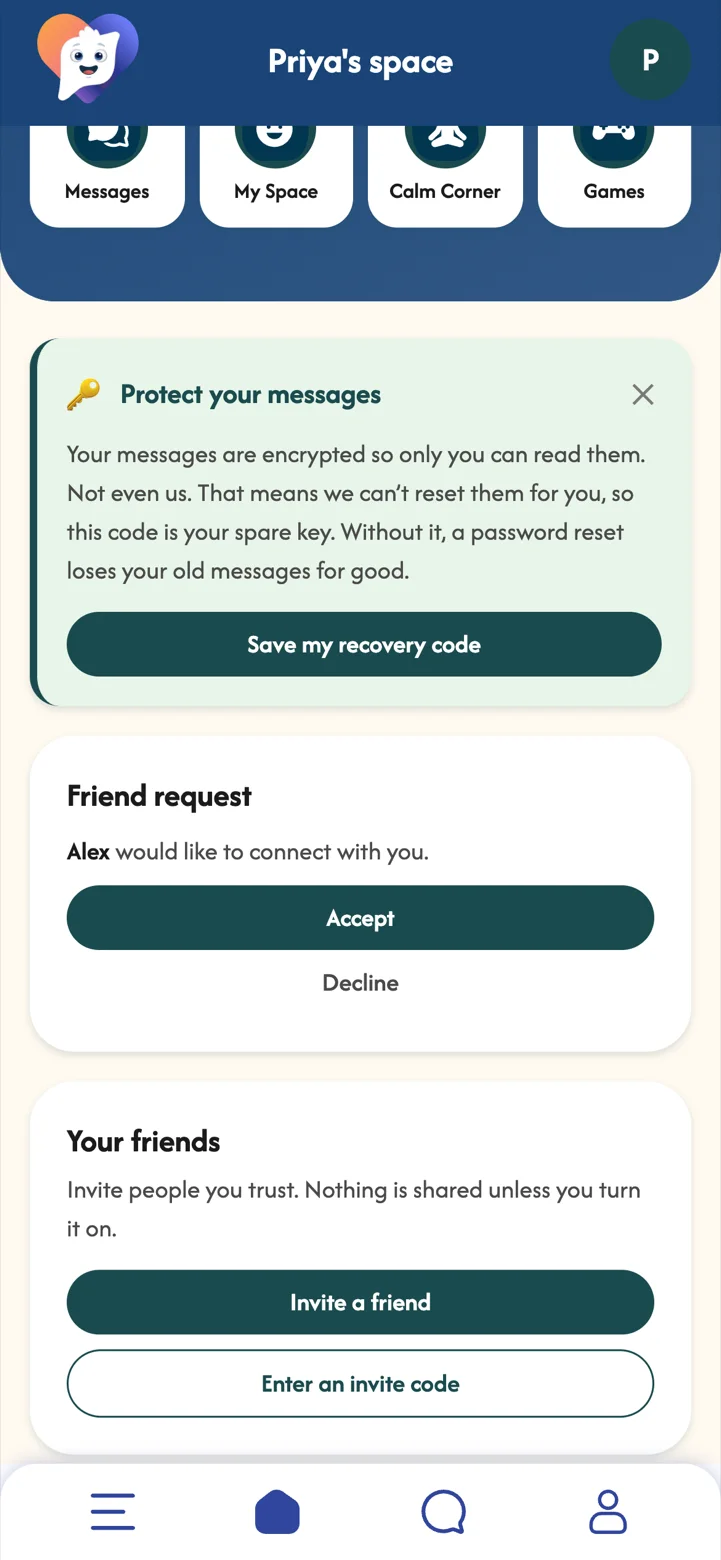
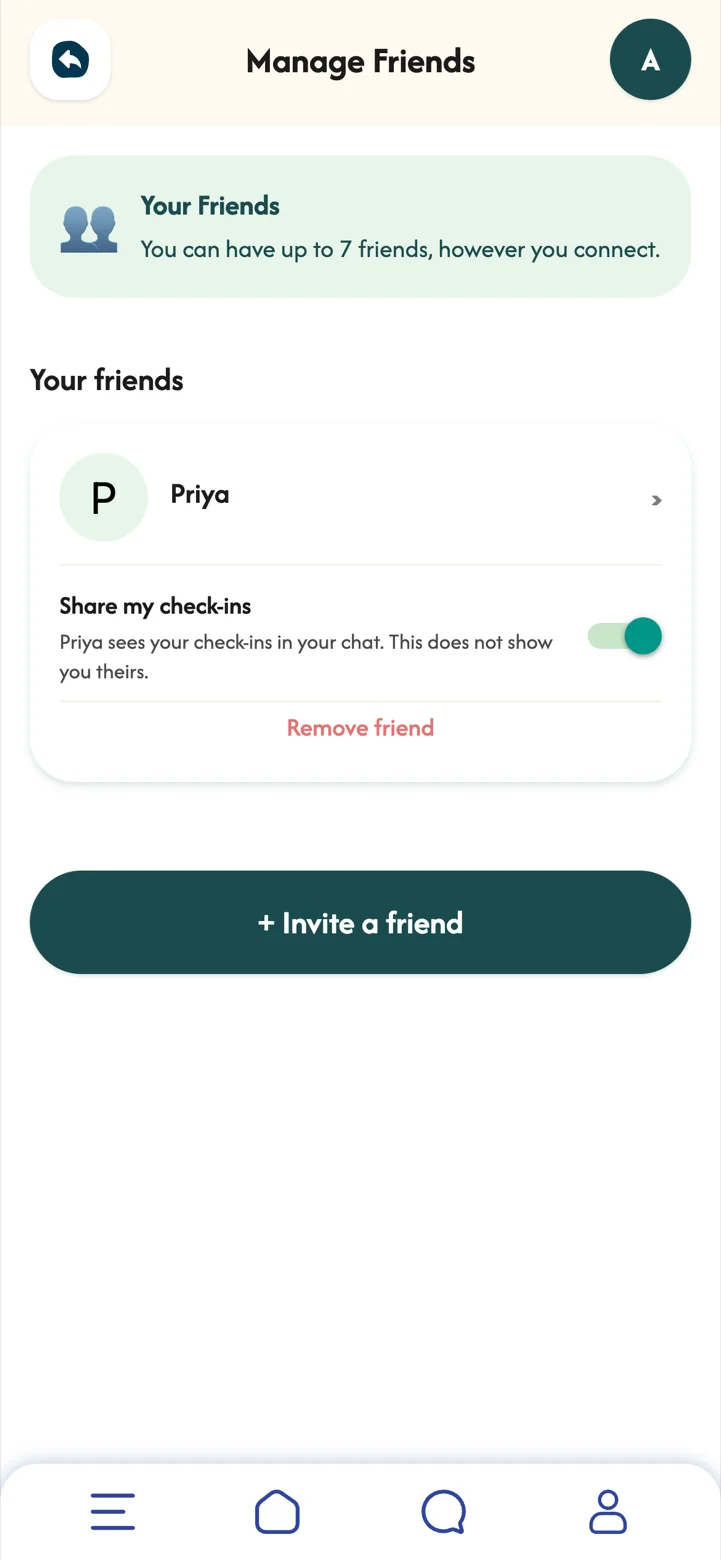
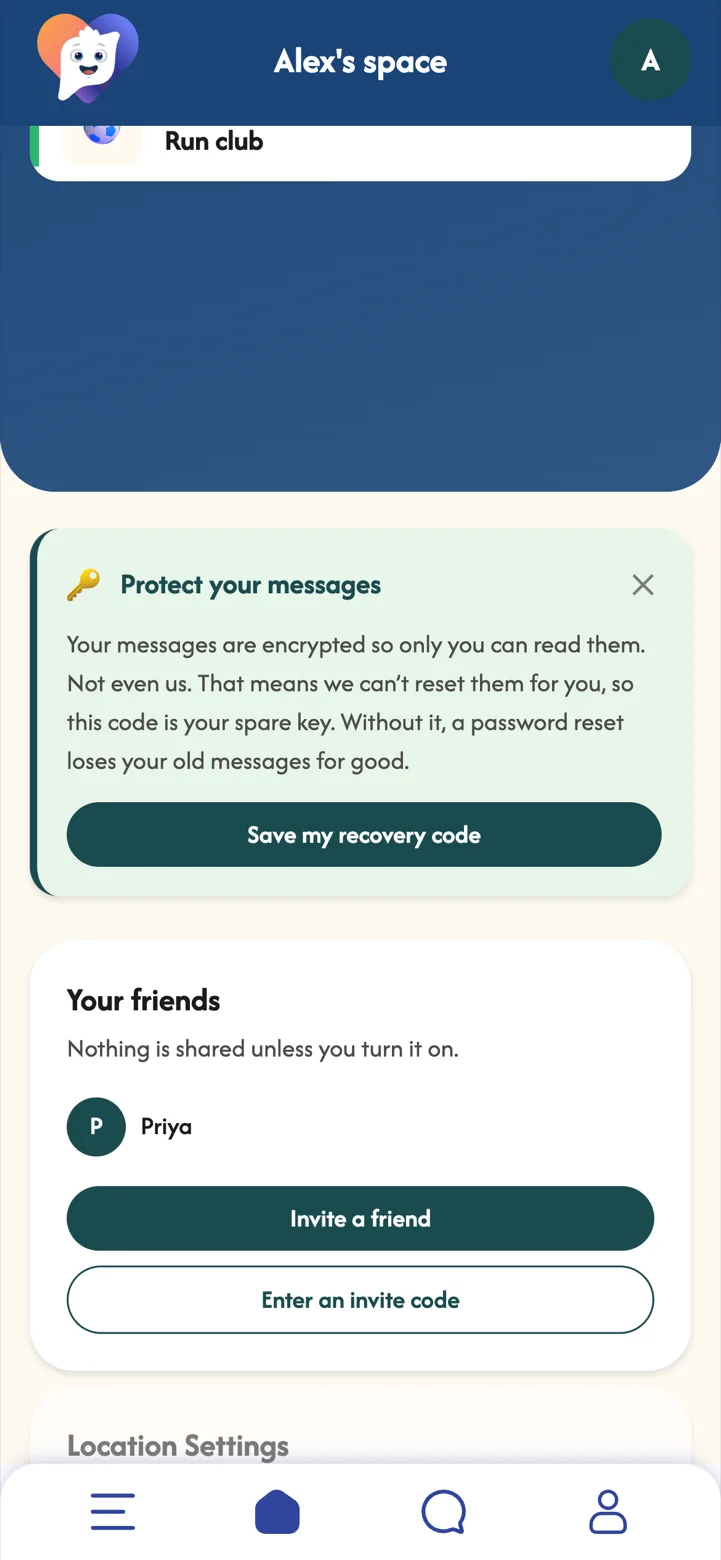
Invite the people you trust, chat with them privately, and decide for each friend whether they see your check-ins.
Sometimes it helps to let someone in, a little. MoodSpace keeps it simple and in your control: nothing is shared until you turn it on, and you can turn it off again any time.
With Premium you can have up to 7 friends and start conversations. Replying is always free.
 Part 07Premium
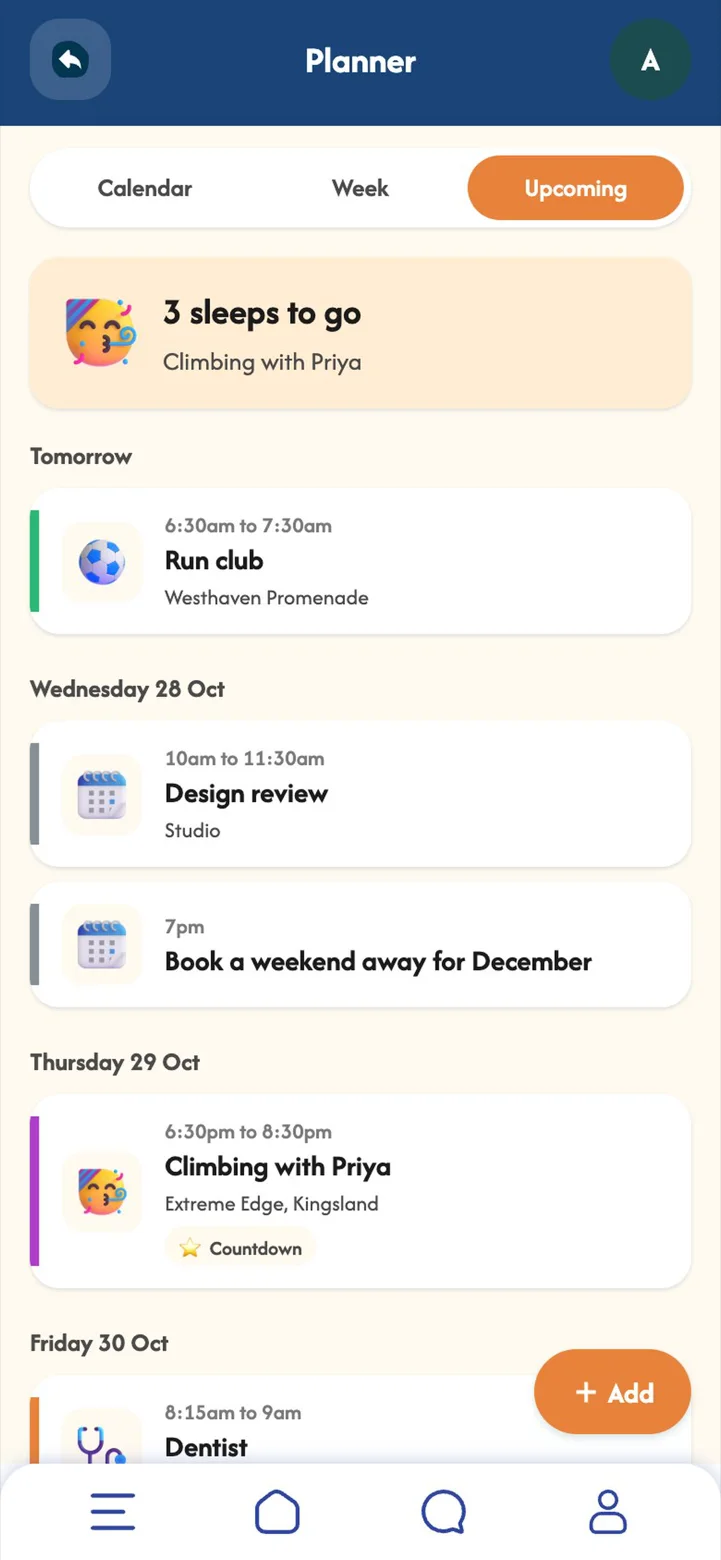
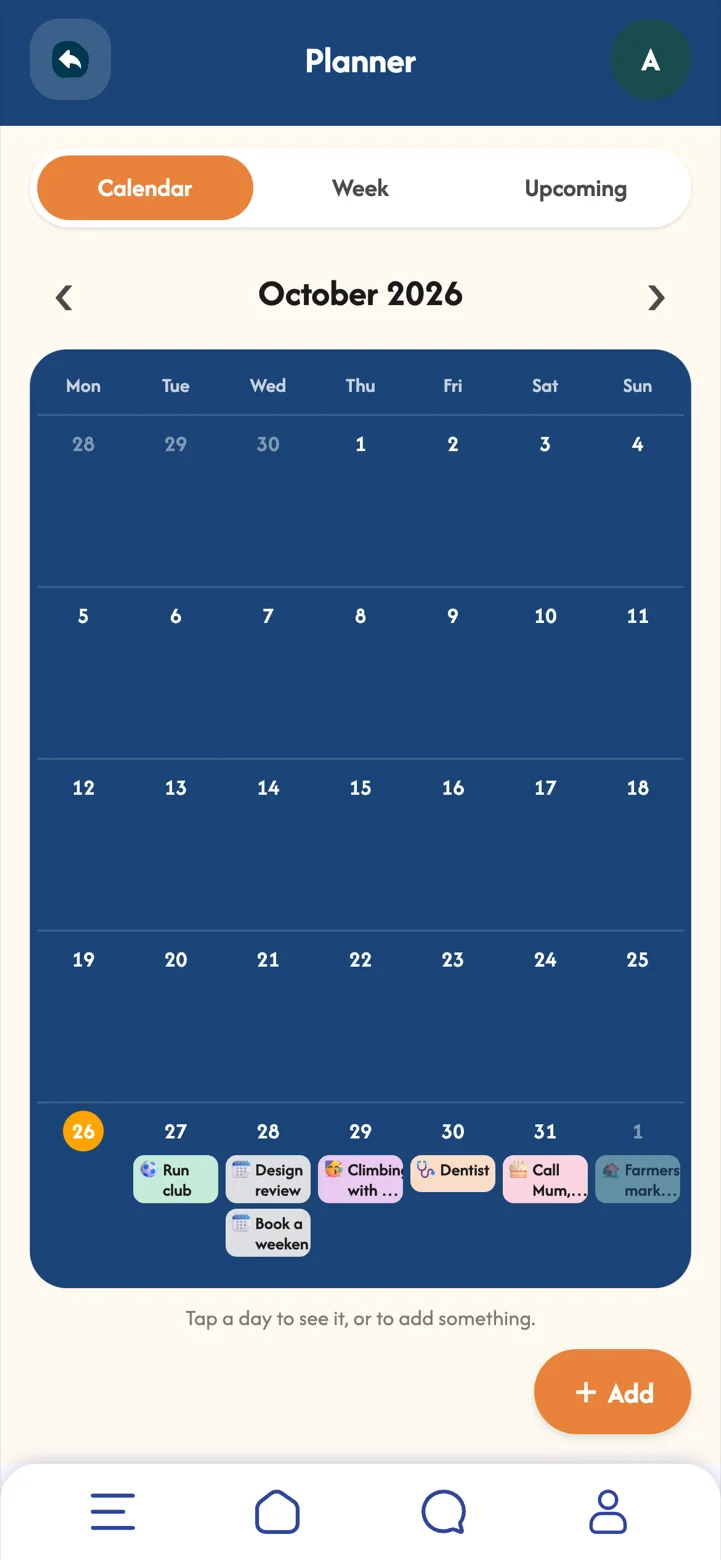
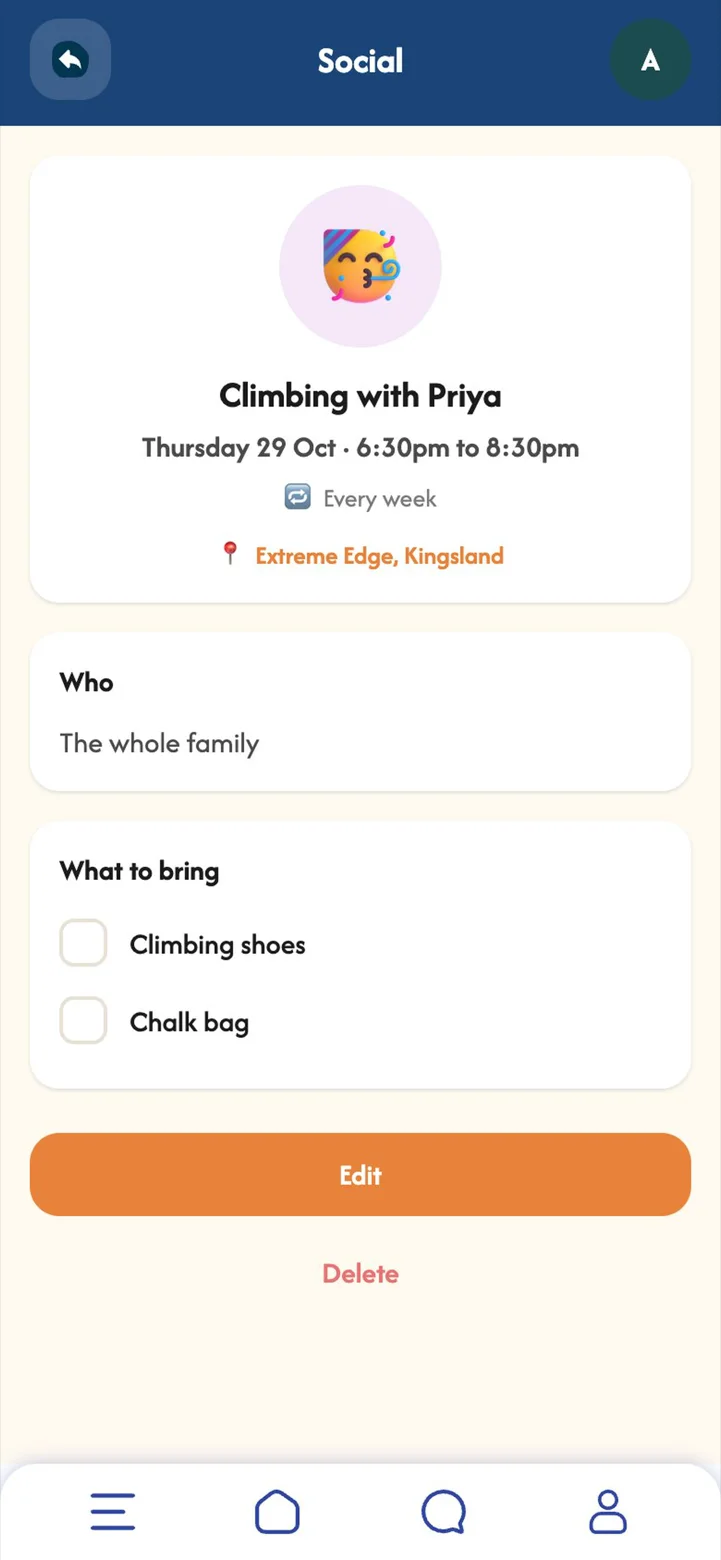
Your own calendar, with reminders, repeats and countdowns to the things you are looking forward to.
A busy week feels lighter when you can see it. Starring the good things, like a climbing night or a slow Sunday market, gives you something to look forward to as well as things to get done.
 Part 08
Small, steady habits for your mornings and evenings, ticked off as you go.
Routines take the thinking out of looking after yourself. A glass of water, a walk at lunch and screens away before bed add up, and ticking them off is a small win you can count on.
 Part 09Premium
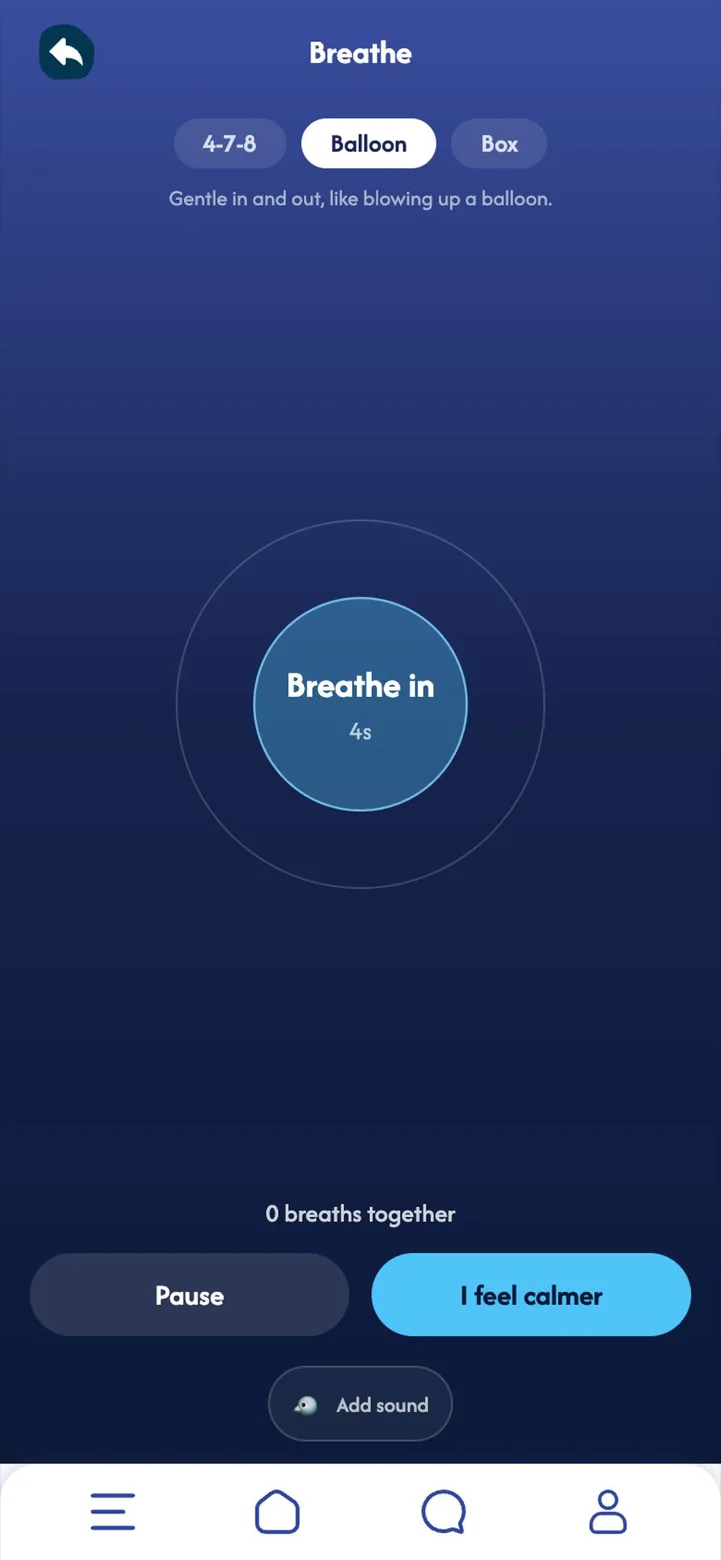
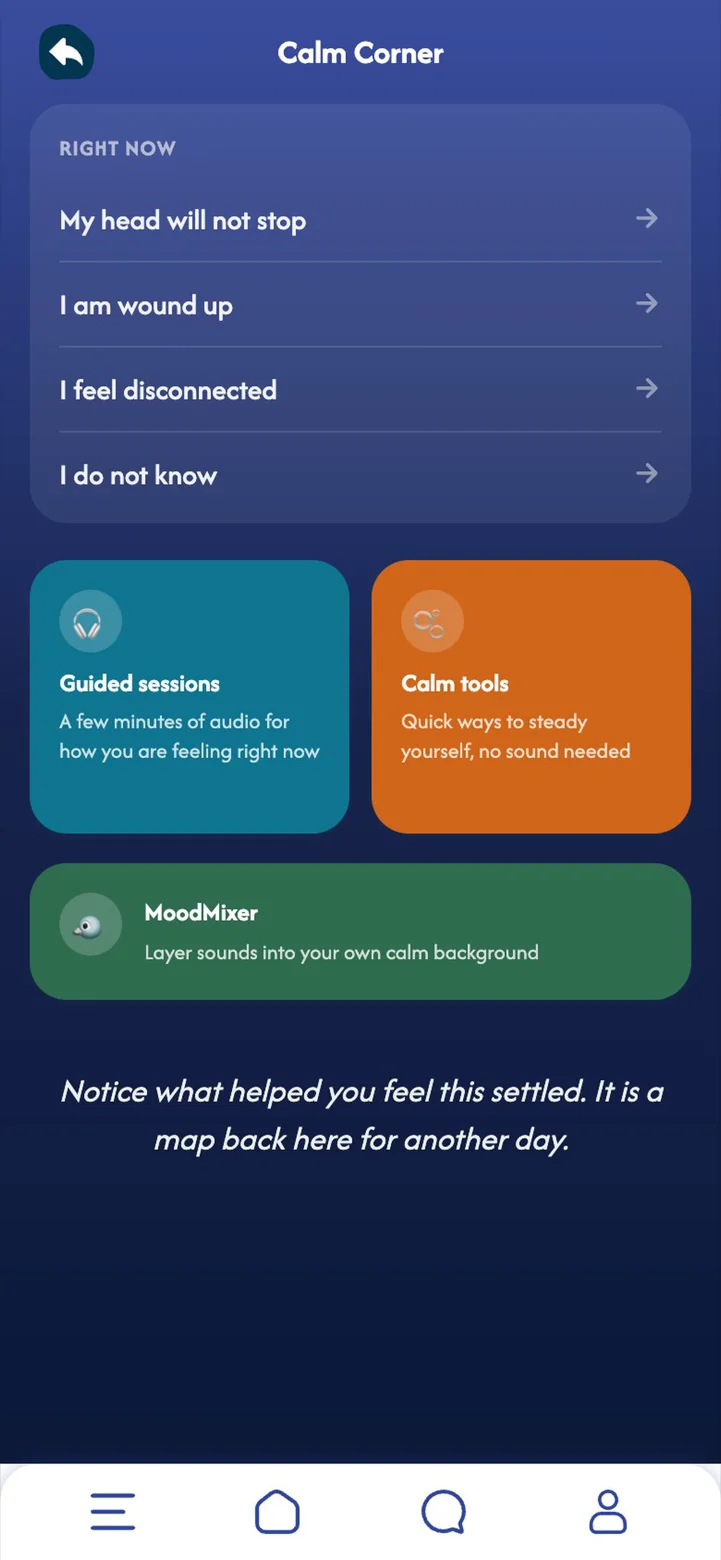
Quick ways to steady yourself: guided audio sessions, calm tools that work without sound, and a sound mixer.
When your head will not stop or you feel wound up, two minutes of slow breathing or a grounding exercise can turn the volume down. Everything works offline and without sound, so it is there whenever you need it.
 Part 10Premium
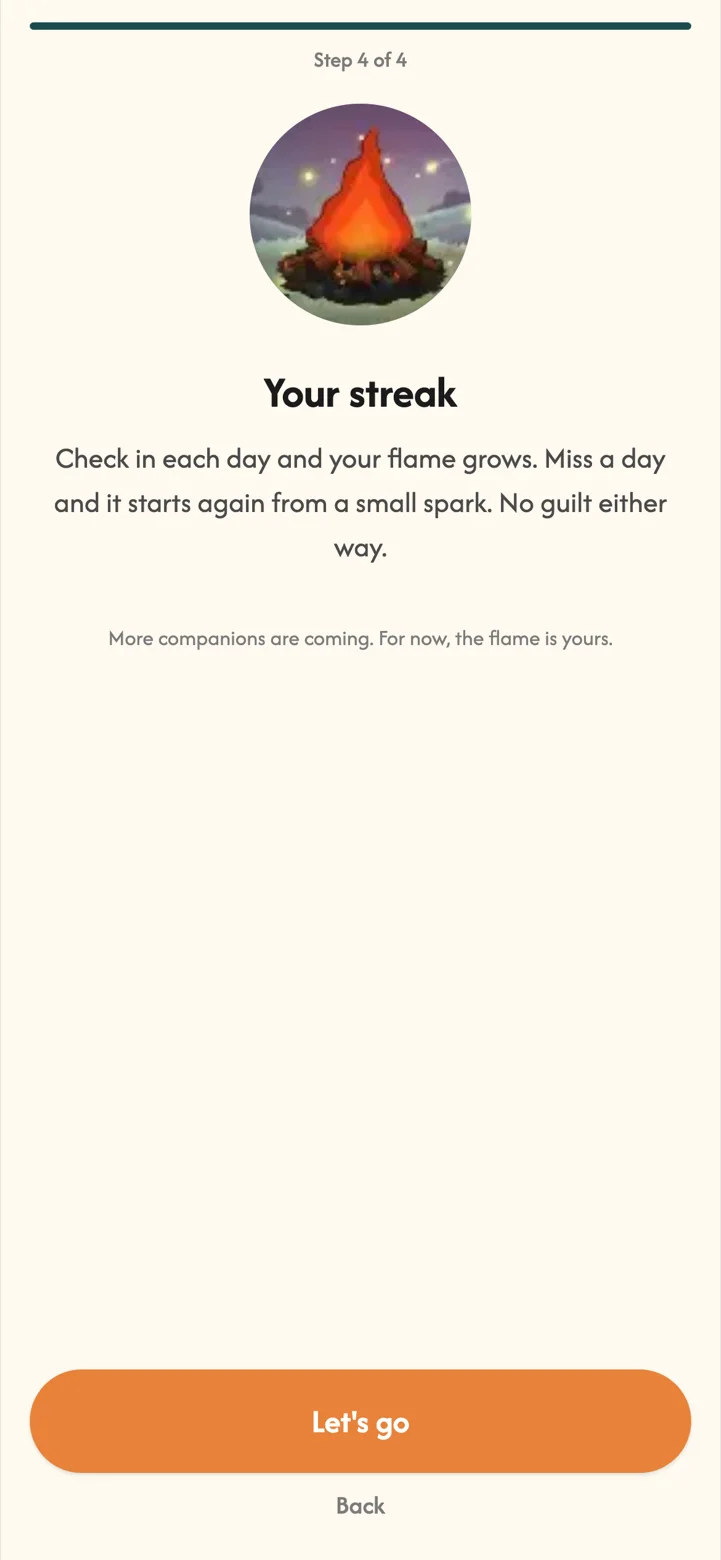
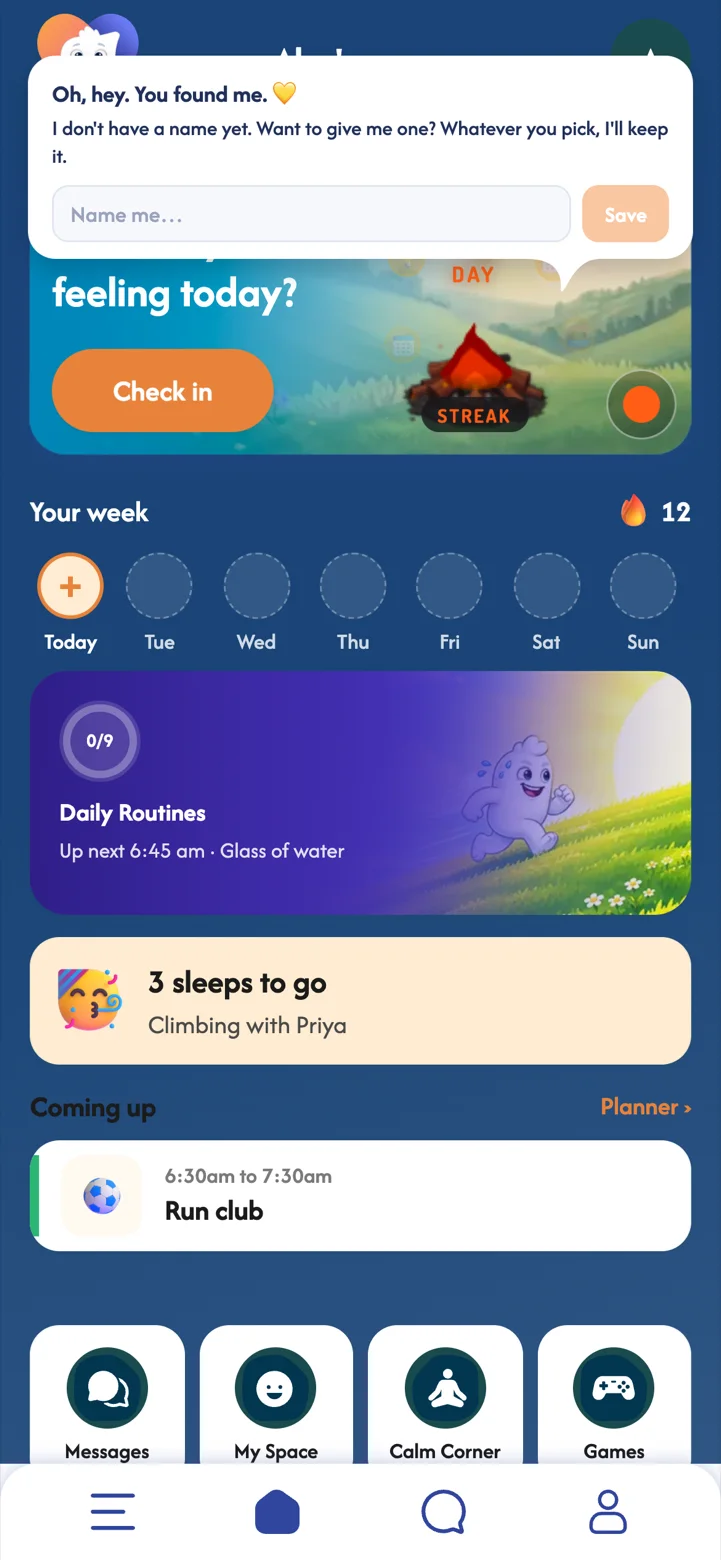
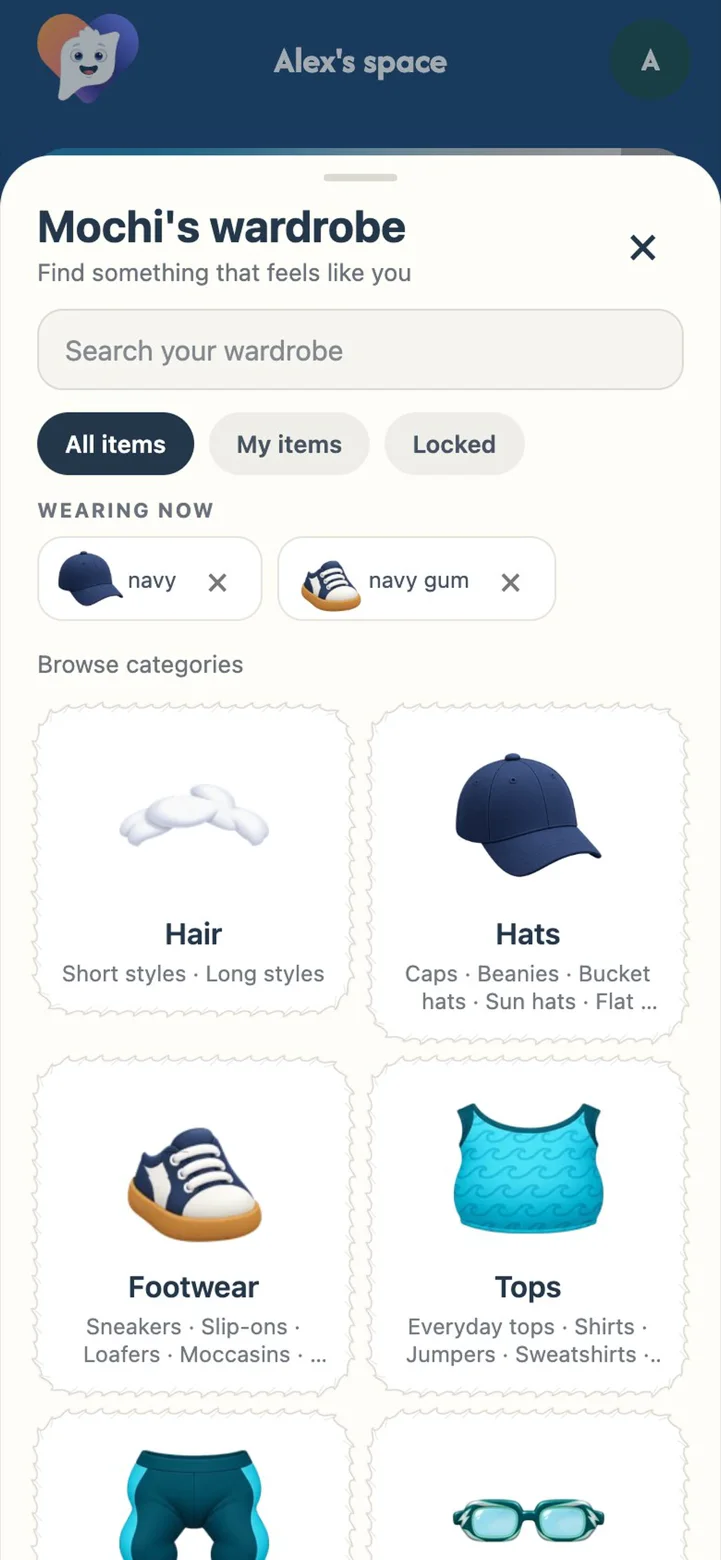
Your streak flame grows with every day you check in. With Premium, you can wake up a MoodBuddy too.
A little company makes a habit easier to keep. Your MoodBuddy notices your check-ins and says something kind, and every line it says is written by people, never by AI. Miss a day and the flame simply starts again, no guilt.
 Part 11Premium
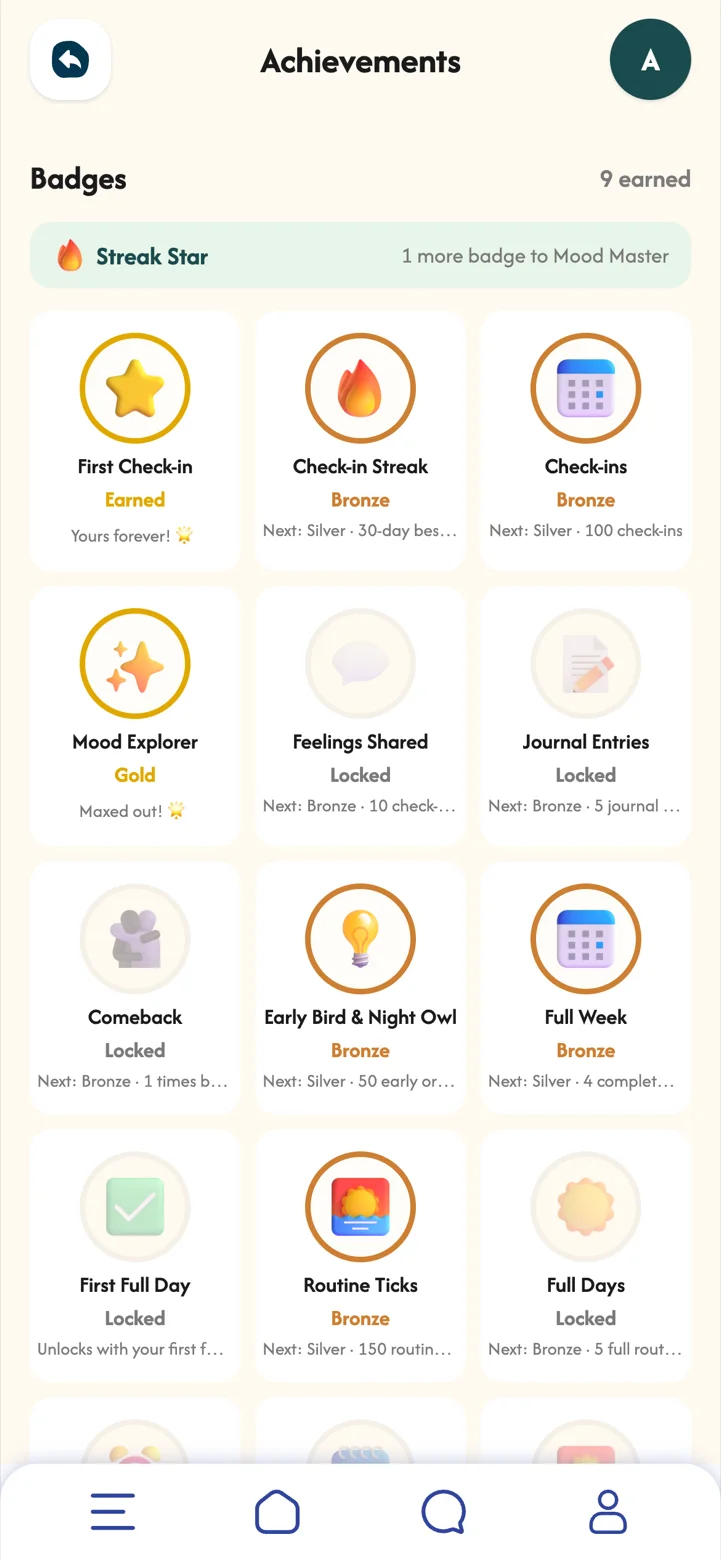
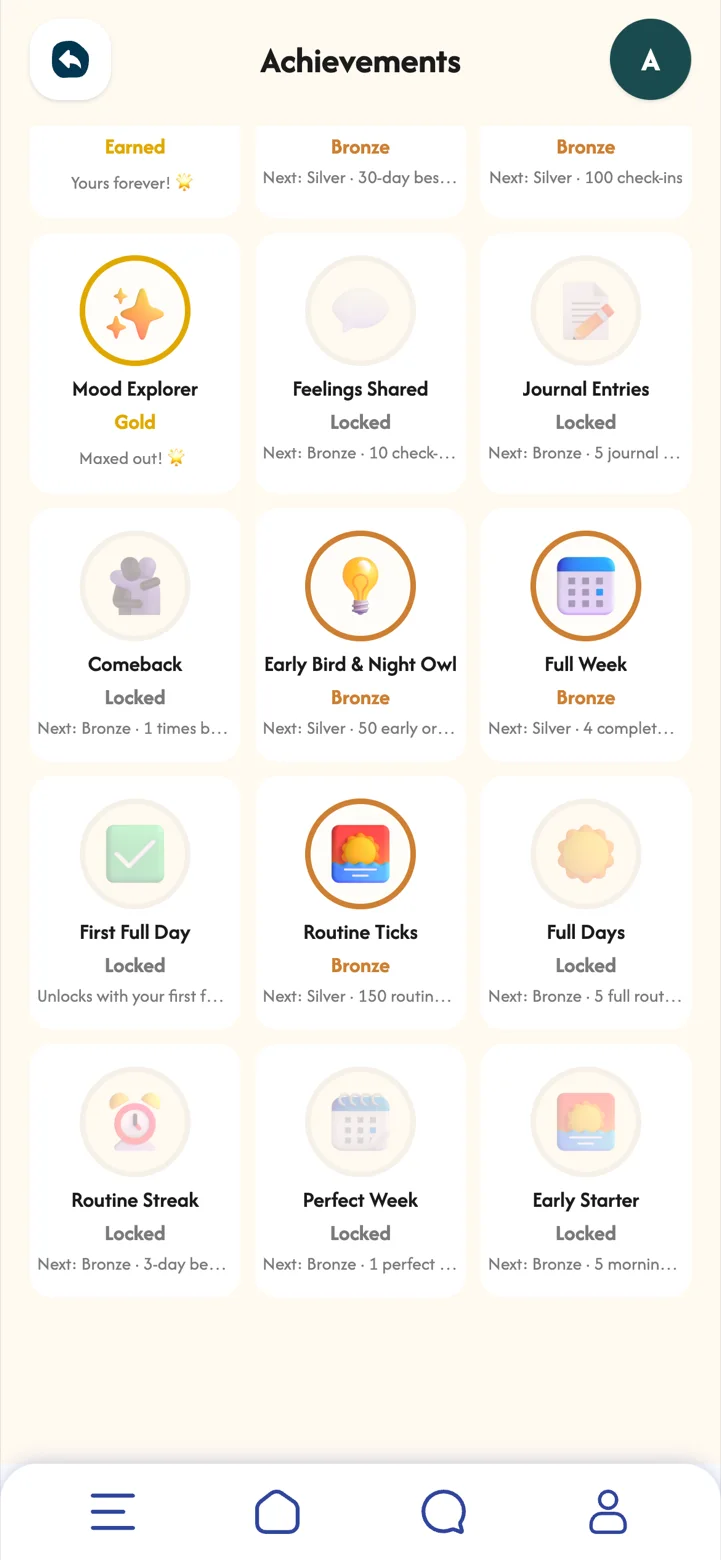
Bronze, silver and gold badges for streaks, check-ins, journalling and routines.
Badges celebrate showing up, not being perfect. Once earned, a badge is yours to keep.
 Part 12
Your space is yours. Nothing is shared unless you turn it on, friend by friend.
Trust is what makes it easy to be honest with yourself. MoodSpace keeps your journal and notes private, and lets you choose, and change your mind about, what friends can see.

Check-ins, your journal, daily routines and replying to friends.
My Patterns and your full mood calendar, guides for how you feel, Calm Corner, your planner, MoodBuddy and its wardrobe, your streak and achievements, the check-in map, and up to 7 friends.
Have a promotional code? Go to Profile, Redeem a code.